
Does a VPN Drain Battery? Android and iPhone Fixes Before You Switch
Find out whether your VPN is causing phone battery drain. Compare matched sessions, check reconnect loops and Android battery restrictions, then decide whether switching is worth it.

Networking Editorial
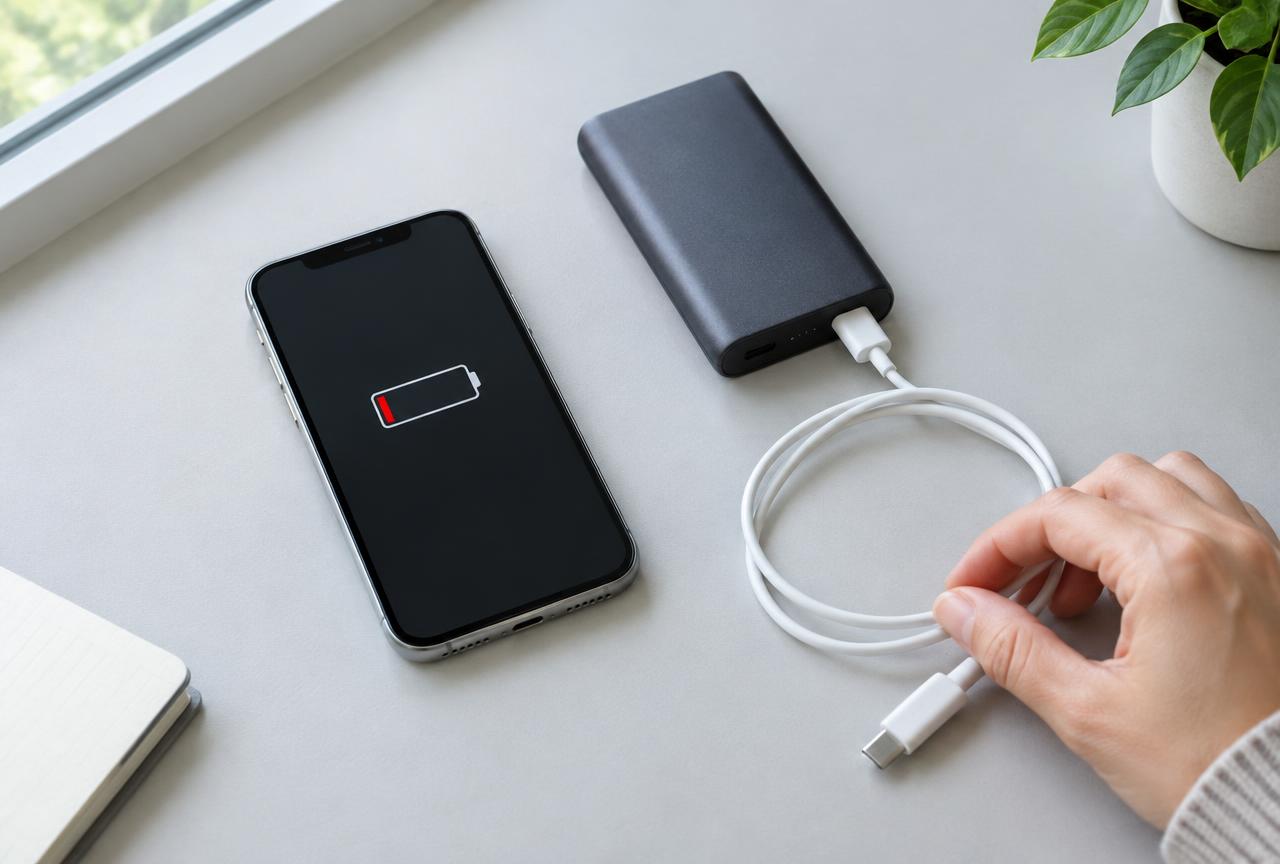
Quick answer: Yes, a VPN can increase battery use because it maintains an encrypted connection and processes network traffic. The amount depends on your phone, signal, apps, protocol and connection stability; there is no reliable universal percentage. Before buying a replacement, compare similar sessions with and without the VPN on a trusted network, check for reconnect loops, and review the phone’s battery report. On Android, allowing the app to run in the background can fix disconnects, but it is not a promise of lower power consumption.
This guide uses documented provider troubleshooting steps and a repeatable comparison method, not an in house battery benchmark. We have not measured these VPNs side by side and do not name a battery life winner. Support material reviewed on 8 November 2026 includes NordVPN’s device configuration and kill switch guidance, Surfshark’s Battery Saver and Android connection guidance, CyberGhost’s Android connection checklist, and IPVanish’s Android Auto Reconnect documentation. We may earn a commission from purchases through our affiliate links.
Why Battery Drain Does Not Automatically Mean a Bad VPN
Your phone already spends energy on its display, cellular radio, Wi Fi and the apps producing traffic. A VPN adds another layer of work, but a day of navigation, video calls and weak mobile reception is not comparable to a quiet day on home Wi Fi. A low battery notification alone cannot identify the cause. A phone that heats up or drains unusually fast even without the tunnel needs a broader device or app investigation.
Open the phone’s battery settings and inspect the same time range you are investigating. Read the labels carefully: an app’s share of reported battery use is not necessarily the number of percentage points it removed from a full charge. Some networking work may also be attributed differently by the operating system. Look for changes in screen time, background activity and signal conditions alongside the VPN entry, rather than drawing a conclusion from a single number.
Match the Symptom to the Next Test
| What you observe | Possible explanation | Next check |
|---|---|---|
| Drain rises mainly on mobile data | Poor reception or a different workload | Repeat on stable Wi Fi with similar activity |
| VPN repeatedly disconnects and reconnects | Network interference or background restrictions | Try another server; inspect app and power settings |
| Connection fails when the Android screen locks | Battery manager may be restricting the app | Check provider guidance for allowing background operation |
| Battery loss rises during video or downloads | More traffic and display use | Compare the same workload, brightness and network |
| Drain started immediately after an update | Changed app behavior or settings | Update again if a fix exists; record version and contact support |
| Similar loss with the VPN disconnected | The tunnel may not be the main cause | Investigate other apps, reception and battery health |
A Matched Battery Test You Can Run Before Paying Again
Choose a safe baseline
Use a trusted home network and non sensitive activity. Do not disconnect a required work VPN or weaken protection on public Wi Fi just to collect a baseline.
Keep conditions similar
Use the same phone, network, brightness, power mode, apps and session length. Do not compare an idle screen off session with video playback.
Record the VPN-off session
Note starting and ending charge, elapsed time, screen use and anything unusual. Avoid charging during the comparison.
Repeat with the tunnel connected
Use the same workload and a stable server. Record the protocol, whether the tunnel reconnects, and the same battery readings.
Change one setting and repeat
Try one different server or supported protocol, then repeat. Several matched sessions are more informative than a single result; small differences can be normal variation.
Keep protection in the result
Check that the tunnel stayed connected. Lower consumption caused by silently disconnecting is not an improvement if you need VPN protection.
Android: Battery Optimization and Always On Are Different Controls
Surfshark documents that Battery Saver can interrupt its connection and recommends excluding its Android app from battery optimization when troubleshooting. NordVPN similarly advises allowing its app through power saving or cleaner tools. The relevant controls are usually under the app’s battery or background usage settings, but Samsung, Pixel and other phones use different labels. Follow the instructions for your device and change only the VPN app’s restriction, not every app’s power settings.
Android’s Always on VPN asks the system to maintain the VPN connection; Block connections without VPN is a separate protection setting that prevents traffic outside it. Neither is a battery optimizer. A disconnected tunnel with blocking enabled can leave apps unable to access the internet, which is the intended safety tradeoff rather than evidence of a broken phone. IPVanish’s built in automatic reconnect is also not the same thing as Android’s system level Always on control. For the broader buying criteria, read our Android VPN guide.
iPhone: Compare Power Modes Without Assuming They Break the Tunnel
On iPhone, start with the battery report and the VPN’s own connection status. Android style Unrestricted battery controls are not an iPhone instruction. Keep the app and iOS updated, then compare otherwise similar sessions using the same power mode. If the issue only appears when a power saving mode is enabled, record that detail for support rather than assuming it affects every provider the same way. Repeated Wi Fi to cellular transitions can also make a comparison difficult; test a stable connection first.
Should You Change the VPN Protocol?
Trying a supported alternative is reasonable when the current protocol repeatedly reconnects. WireGuard or NordLynx is one option where your app supports it, but this page has no comparative measurements proving a fixed battery saving over OpenVPN or IKEv2. A protocol that stays connected on your network may be more useful than one that looks efficient on paper. Follow the provider’s compatibility advice and do not select an unsupported manual configuration solely for a theoretical saving.
Surfshark and CyberGhost’s Android connection checklists both recommend testing different server locations or connection conditions. If drops are the main symptom, use our VPN disconnecting checklist. Split tunneling can change which apps use the tunnel, but excluded traffic no longer gets that VPN protection and platform support differs. It is not a proven universal battery fix; consult the device specific split tunneling guide before relying on it.
When Switching Providers Is Worth Testing
Consider a replacement only if the extra loss or reconnect behavior repeats across matched sessions, remains after updates and basic troubleshooting, and follows the current app across more than one network. Send support your phone model, system version, app version, protocol and test conditions. If they cannot resolve it, a second provider gives you a practical comparison not a guaranteed cure.
| Provider to compare | Reason to investigate | What this does not prove |
|---|---|---|
| NordVPN | Documented Android power setting and kill switch guidance | Not evidence of the lowest battery drain |
| Surfshark | Specific Battery Saver and Android instability guidance | Not a promise that removing optimization saves power |
| CyberGhost | Android troubleshooting covers network and battery saving checks | Not a measured efficiency advantage |
| IPVanish | Current Android app documents automatic reconnect | Not equivalent to system level traffic blocking |
Start with NordVPN’s mobile plans if you want to compare its app on the same phone. Also check Surfshark, CyberGhost or IPVanish if their app controls suit your needs. Before payment, confirm the total upfront charge, renewal amount, cancellation process and the refund eligibility of the exact plan and payment channel. A money back period is not a no charge trial, and not every monthly or app store purchase has the same terms. Our VPN trial guide explains that distinction.
Mistakes That Make the Diagnosis Worse
- Buying a long subscription because a review promises a universal battery saving percentage.
- Comparing weak cellular reception with strong home Wi Fi and attributing the whole difference to the VPN.
- Treating an app’s share of battery usage as percentage points lost from a full charge.
- Disabling all background controls or traffic blocking without understanding the privacy tradeoff.
- Calling a disconnected VPN efficient because it stopped doing any work.
- Changing protocol, server, brightness and workload at once, then not knowing which change mattered.
Frequently Asked Questions
Does leaving a VPN on drain battery?
It can add battery use by maintaining a tunnel and processing traffic. The impact varies with your device, workload, network and app behavior; there is no single trustworthy percentage for every phone.
Which VPN uses the least battery?
This guide has no comparative battery measurements and cannot name a measured winner. Compare providers on your own phone with similar activity and network conditions, while checking that each remains connected.
Does disabling Android battery optimization save power?
Not necessarily. Exempting the VPN can prevent background restrictions from interrupting it, but also permits background operation. It is a connection reliability adjustment, not a guaranteed power saving.
Is Android Always-on VPN the same as Auto-Reconnect?
No. Always on is an Android system setting; Auto Reconnect is an app behavior. Block connections without VPN is another system option that prevents traffic outside the tunnel.
Will WireGuard fix VPN battery drain?
It is a supported alternative to try if your current protocol is unstable. The result depends on the app, device and network; this guide does not establish a fixed saving or universal advantage.
Should I turn off my VPN to save battery on public Wi-Fi?
Do not drop protection solely to run this comparison on an untrusted network. Use a trusted network for the baseline and retain any protection required by your employer or your privacy needs.