
BBC iPlayer VPN Not Working? The 2026 Fix Order Before You Switch Providers
BBC iPlayer has flagged your VPN server's IP address. Fix it in order: change UK server, clear cookies, check for leaks, then compare NordVPN, Surfshark and CyberGhost only if the pool is the problem.

Networking Editorial
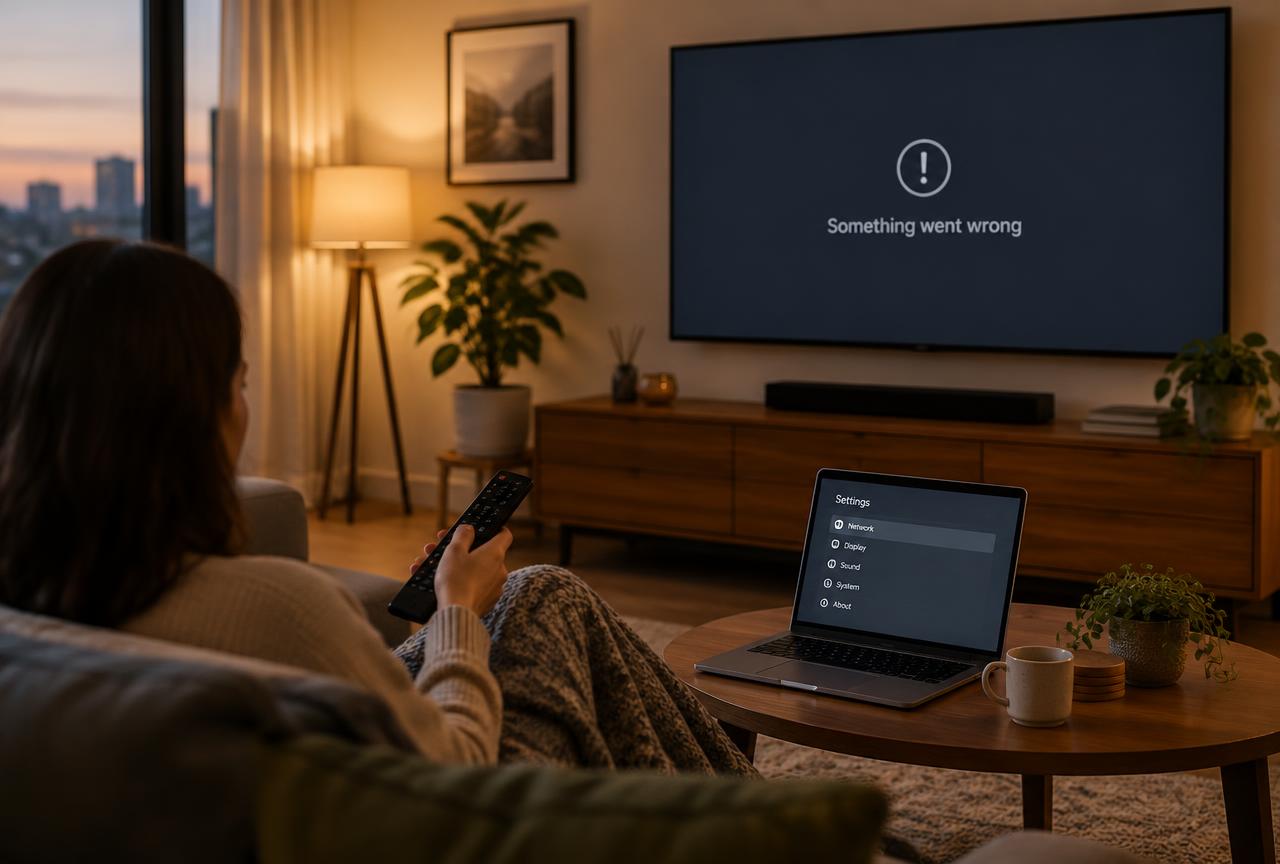
Quick answer: When BBC iPlayer stops working with your VPN, the BBC has almost always flagged the specific server IP address you are using not detected the VPN app itself. Fix it in this order: disconnect and pick a different UK server, clear your browser cookies and cache (they store your real location), restart the app, and test again. If several UK servers fail on every device, check for an IP or DNS leak, then ask your provider's support which UK servers currently work with iPlayer. Only switch providers when the answer is that none do reliably; pool size and rotation speed are the buying criteria that matter.
This is a diagnostic guide, not an unblock log. We checked official partner support documentation on 3 November 2026. We do not run daily playback tests against iPlayer, and no provider works one hundred percent of the time because the BBC updates its block lists continuously. The shortlist below ranks our affiliate partners on documented UK coverage and refund terms. We may earn a commission from purchases through our links.
Why iPlayer Stops Working Mid Subscription
BBC iPlayer is licensed for UK viewers, so the BBC maintains lists of known VPN and data center IP ranges and flags addresses shared by unusually many viewers. A server that worked last week can stop working overnight when its address range lands on that list. This is why the error appears suddenly even though nothing changed on your device, and why the fix is usually a server change rather than a settings overhaul. The BBC iPlayer buying guide explains how providers differ in pool size and rotation speed; this guide is the repair sequence.
Match the Symptom Before Changing Anything
| What you see | Most likely cause | First move |
|---|---|---|
| Error message the moment you press play | The connected server's IP is flagged | Switch to a different UK server and retry |
| Worked yesterday, fails today on the same server | The BBC's block list updated overnight | Change server; clear cookies before retesting |
| Works on your laptop, fails on your phone | App cache or location services leaking your real position | Clear the app cache; disable precise location for the browser |
| Works in a browser, fails on the smart TV app | TV app uses hardcoded location checks or a stale Smart DNS entry | Use the TV section below; do not reuse retired Smart DNS addresses |
| Fails on every UK server and every device | Pool too small or a leak on your connection | Run the leak check, then contact support or compare providers |
1. Change the UK Server, Not the Country
Disconnect, then reconnect to a different UK location if your app shows cities, move from London to Manchester or another listed city, because each maps to a different address range. Avoid the app's quick connect button for this test: it often returns you to the same flagged server. Retry iPlayer in a fresh private window tab so a stored cookie cannot override the new address.
2. Clear Cookies and Cached Location Data
iPlayer's website stores cookies from previous sessions, and a cookie set while you were abroad or while the VPN was disconnected can contradict your VPN's UK address and trigger the error. Clear cookies and site data for bbc.co.uk and bbc.com, or test in a private window first to confirm this is the cause before wiping anything. On phones, also check that the browser or iPlayer app does not have permission to use precise GPS location, which overrides the IP based check entirely.
3. Rule Out an IP or DNS Leak
If the VPN tunnel drops for a moment and your streaming request leaves through your real connection, iPlayer sees your actual location. Enable the kill switch so traffic cannot fall back to your real IP, then retest. Our kill switch and streaming guide walks through the exact settings and how leaks cause detection. If your provider's app reports the tunnel as active but a leak test shows your real country, treat that as an app or configuration fault and contact support before buying anything.
4. Smart TVs: Do Not Reuse Retired Smart DNS Addresses
On Samsung and LG sets, the old workaround was typing a provider's Smart DNS addresses into the TV's network settings. That route is closing: Surfshark retired its SmartDNS feature on 2 February 2026, and CyberGhost states its Smart DNS is no longer compatible with streaming services. Leaving retired addresses in a TV's settings can cut that TV off entirely. The working options in 2026 are a Fire TV Stick or Android TV device running the VPN app natively, or a router level VPN connection covering the TV. The Samsung and LG setup guide covers the exact menu paths and the router fallback.
5. When Switching Providers Is the Actual Fix
If support confirms none of their UK servers currently work, or the same two or three servers are all the app offers, the pool itself is the limitation. The buying criteria that matter for iPlayer are the size of the UK server pool, how quickly flagged addresses are replaced, and a refund window long enough to verify playback on your own devices. Advertised total server counts are irrelevant; only the UK pool matters for this service.
| Rank | Partner | Documented reason to compare | Refund window |
|---|---|---|---|
| 1 | NordVPN | Large UK pool with fast address rotation; NordLynx speed for live TV | 30 days |
| 2 | Surfshark | Unlimited devices; UK servers on every platform including smart TV sticks | 30 days |
| 3 | CyberGhost | Labels a dedicated iPlayer streaming server inside the app | 45 days on longer plans |
| 4 | IPVanish | UK coverage with per server load display; confirm current iPlayer support first | 30 days on annual plans |
Start by comparing NordVPN's current plans when pool size is your diagnosed problem: a large UK pool means a flagged address is replaced quickly, and the 30 day money back guarantee lets you test iPlayer on your own devices before committing. Surfshark is the budget comparison at $1.99/mo with unlimited devices, useful when the TV, phone and laptop all need coverage. CyberGhost removes the server guessing step with its labeled iPlayer server, and IPVanish is worth comparing when you want per server load information before connecting.
Compare the total charged today, the renewal amount and the refund conditions for the exact plan length; a promotional monthly equivalent can require a large upfront payment, and IPVanish's guarantee excludes monthly website purchases. Test iPlayer playback immediately after subscribing, while the refund window is fully open, and contact the correct seller within that window if it fails.
The Fix Order, Start to Finish
Switch UK servers
Disconnect and reconnect to a different UK city or server. Avoid quick connect, which often returns the same flagged address.
Retest in a private window
Open iPlayer in a private or incognito tab so stored cookies cannot contradict the new IP address.
Clear cookies and location access
If the private window works, clear bbc.co.uk cookies in your main browser. On phones, revoke precise location permission for the browser and iPlayer app.
Enable the kill switch
Turn on the kill switch so a dropped tunnel cannot leak your real location mid stream, then retest.
Ask support for a working server
If several servers fail, ask your provider which UK servers currently work with iPlayer. A direct answer saves days of guessing.
Compare providers only on evidence
If the answer is that none work reliably, compare UK pool size and refund windows not advertised totals and verify playback inside the refund period.
Mistakes That Waste Time or Money
- Buying a second VPN subscription before changing servers and clearing cookies.
- Retesting in the same browser tab, so a stale cookie triggers the error again.
- Typing retired Smart DNS addresses into a smart TV and losing its internet access entirely.
- Judging a provider by its total server count instead of its UK pool.
- Assuming the error means the BBC detected the VPN app itself, rather than one flagged address.
- Waiting until the refund window has nearly closed before testing iPlayer playback.
Fix the Address Before Replacing the App
The sensible order is server change, cookies, leak check, support question, then and only then a provider comparison. Most iPlayer failures resolve at step one because the BBC blocks addresses, not apps. When the pool genuinely is the limitation, compare NordVPN first on UK pool size and rotation, with Surfshark as the budget alternative, and verify playback inside the refund window before the subscription is final.
Frequently Asked Questions
Why is BBC iPlayer not working with my VPN?
Almost always because the BBC has flagged the specific server IP address you are connected to. Change to a different UK server, clear your cookies, and retest in a private window before changing anything else.
Does BBC iPlayer block all VPNs?
No. It blocks known VPN and data center IP ranges, not the VPN protocol itself. Providers with large UK pools replace flagged addresses quickly, which is why the same service can fail on one server and work on another minutes later.
Why does iPlayer work on my laptop but not my phone?
The phone app or browser may hold cached location data or have precise GPS permission, which overrides the IP based check. Clear the app cache and revoke location permission for the browser and iPlayer app.
Can I use Smart DNS to watch iPlayer on my smart TV?
The Smart DNS route is closing. Surfshark retired its SmartDNS feature on 2 February 2026 and CyberGhost states its Smart DNS no longer works with streaming services. Use a Fire TV Stick with the VPN app installed, or a router level VPN connection, instead.
Which VPN should I switch to if mine stops working with iPlayer?
Compare on UK pool size, rotation speed and refund window. Our documented starting comparison is NordVPN, followed by Surfshark, CyberGhost and IPVanish. Verify playback on your own devices inside the refund window before treating the subscription as final.
Is it legal to watch BBC iPlayer with a VPN?
A VPN changes your apparent location, not the legal requirements. BBC iPlayer requires viewers to confirm they hold a UK TV licence, and watching live or iPlayer content without one is against UK law. This guide is for entitled viewers who are temporarily abroad or want privacy on their own connection.
Official Documentation Checked
- NordVPN Support: UK server coverage and streaming troubleshooting guidance.
- Surfshark Support: SmartDNS retirement notice effective 2 February 2026.
- CyberGhost Support: Smart DNS streaming compatibility statement and labeled streaming servers.
- IPVanish Support: connection troubleshooting and guarantee terms by plan length. Provider sources are named without non affiliate outbound links.