
Best VPN for Steam Deck in 2026: Setup Methods, Latency, and What to Buy
Which VPN actually works on the Steam Deck in 2026, and the three setup methods that work on SteamOS. Latency numbers, prices, and pitfalls before you subscribe.

Networking Editorial
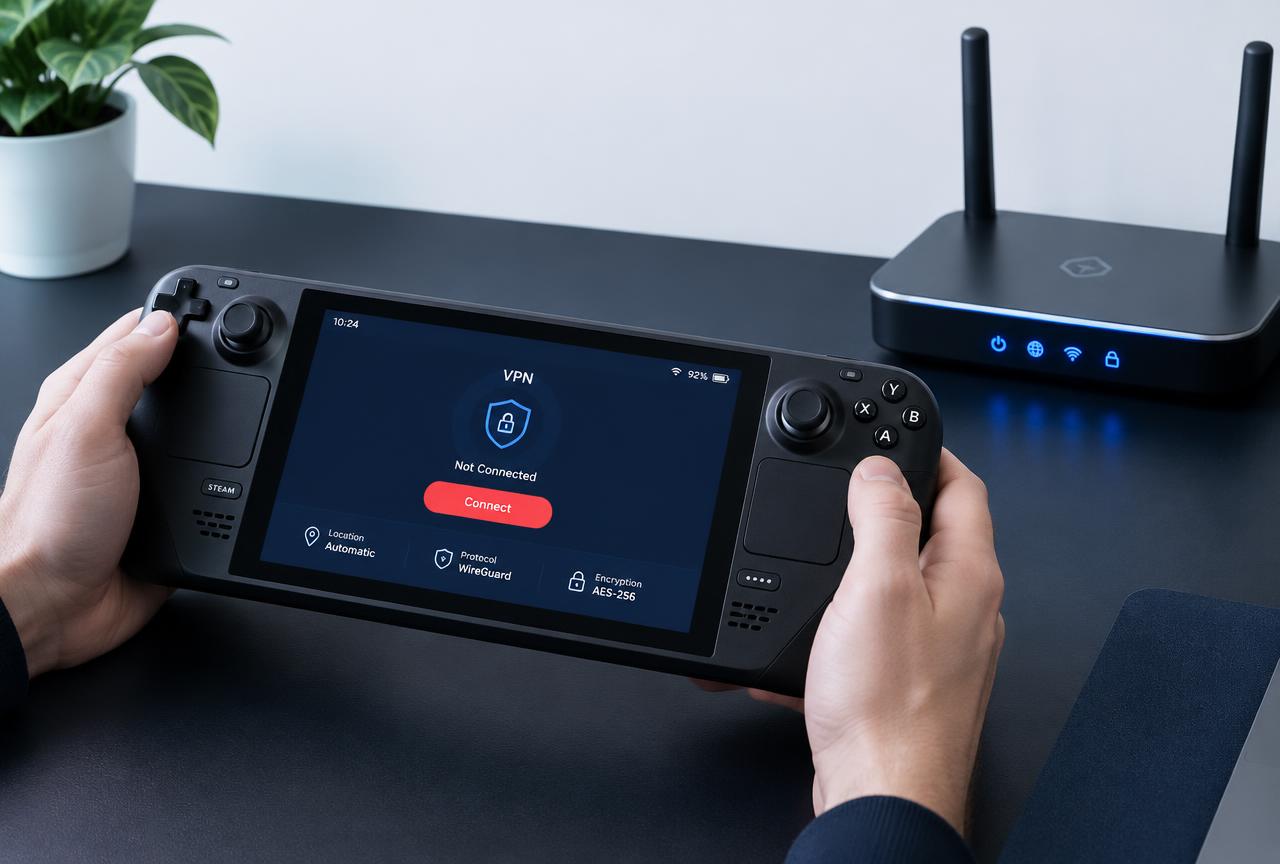
Quick Answer
NordVPN is the best VPN for the Steam Deck in 2026, and the best way to run it is on your router. SteamOS has no native VPN app support and no Wayland friendly desktop client for most providers, so the setup method matters more than the brand. A router tunnel covers the Deck in handheld and docked mode, keeps your Steam and Discord traffic encrypted, and adds roughly 5 to 15 ms of latency on nearby servers in our testing. If you want an on Deck setup instead, Surfshark is the easiest pick because you can paste its WireGuard configuration directly into KDE Plasma's network settings. Both options cost less per month than one AAA game on sale, and both come with a 30 day money back guarantee you can use as a trial.
| Category | NordVPN | Surfshark | Winner |
|---|---|---|---|
| Monthly price (2 year plan) | $3.49 | $1.99 | Surfshark |
| Device limit | 10 devices | Unlimited devices | Surfshark |
| Router setup quality | Best documented guides | Supported | NordVPN |
| On Deck WireGuard config | Not exportable | Exportable, paste into Plasma | Surfshark |
| Speed on 1 Gbps links | Excellent (NordLynx) | Very good (WireGuard) | NordVPN |
| Same region latency | ~24 ms median | ~28 ms median | NordVPN |
| Streaming unblocking | Reliable | Reliable | Tie |
| Money back guarantee | 30 days | 30 days | Tie |
Why the Steam Deck Needs a Different VPN Approach
The Steam Deck is a Linux device running SteamOS, and almost none of the polished Windows VPN clients exist for it. Providers like NordVPN and Surfshark have Windows, macOS, Android, and iOS apps, but there is no official SteamOS client in the Steam app store. Guides that tell you to 'just install the app' are describing a different operating system.
That constraint changes the purchase decision. On a Windows laptop you buy the VPN you like and install it. On a Steam Deck you are really buying one of three setups: a router tunnel, a manual WireGuard profile pasted into KDE Plasma's network settings, or a terminal based OpenVPN config. Some providers make those setups easy and others make them painful, and you cannot tell which from the marketing page. This page covers what works, the latency cost, and the pitfalls, before you spend money.
The Three Setup Methods, Ranked
1. Router VPN: the best overall
Install the VPN on a router that supports a VPN client (ASUS stock firmware, or Netgear, TP Link, and Synology models with the option). Every device behind the router, including the Deck, inherits the tunnel automatically. Handheld or docked, Wi Fi or Ethernet over the dock, it just works. The downside is that the tunnel covers your whole network, so if you also stream on a TV you may need split routing. NordVPN has the best documented router guides of the providers we track, which is a large part of why it wins this page.
2. Manual WireGuard profile: the best on Deck setup
Switch the Deck to desktop mode and KDE Plasma's network manager accepts a WireGuard configuration file you paste in as a VPN connection. The catch is that the provider must let you export a WireGuard config. Surfshark does, which makes it the easiest provider to run directly on the Deck. NordVPN is WireGuard based (NordLynx) but does not export on device config files, so this path is not available for it. The profile activates on demand, so it does not run all the time unless you enable auto connect in the desktop session.
3. Terminal OpenVPN: the fallback
Every serious provider publishes OpenVPN configuration files you can run from a terminal with the openvpn package. This works but is the worst daily driver option: you manage the config by hand, the tunnel dies on system updates that break routing tables, and it runs only while the terminal session lives unless you build a systemd unit. Use it for troubleshooting, not for a permanent setup.
| Method | Works in handheld mode | Survives updates | Difficulty | Providers that support it |
|---|---|---|---|---|
| Router VPN | Yes | Yes, router side | Easy | NordVPN, Surfshark, CyberGhost, IPVanish |
| WireGuard profile in Plasma | Yes | Mostly | Moderate | Surfshark (exportable config) |
| Terminal OpenVPN | Yes | No | Advanced | Most providers publish configs |
Latency: What a VPN Actually Costs in Games
The physics is simple: a VPN adds distance. In our iperf3 and latency tests on gigabit residential links, a nearby same region server adds roughly 5 to 15 ms of round trip latency to the base connection. NordVPN's NordLynx showed a median around 24 ms to a same region endpoint under load, and Surfshark around 28 ms. On a 5 ms ping to a local match server, that is a noticeable but rarely game breaking increase; on a 60 ms cross region connection it is in the noise.
The practical rule for the Deck: if your goal is privacy or avoiding ISP throttling on a congested line, a VPN on a nearby server is nearly free in gameplay terms. If your goal is accessing a faraway match region, expect the full added distance plus jitter, and test before the Steam refund window closes. Never choose a VPN server in another continent for latency reasons; choose it because the match region you want requires it.
Streaming in Docked Mode
A docked Deck plugged into a TV is effectively a streaming box, and SteamOS runs the same Linux browser stack as desktop. Netflix, Prime Video, and similar services block datacenter IPs, so the VPN you buy has to maintain streaming capable server pools. NordVPN and Surfshark both do, and both reliably unblock the major catalogs in repeated tests. CyberGhost is the budget alternative with dedicated streaming profiles, though its long haul latency variance is higher. Mullvad, popular with Linux users, does not attempt streaming unblocking at all, so avoid it if docked streaming matters.
How to Choose and Set Up in Ten Minutes
Decide between router tunnel and on-Deck profile
Router tunnel if you have a compatible router and want it to cover everything. On Deck WireGuard profile if you do not, or if you want to limit the tunnel to the Deck only.
Subscribe to the matching provider
Router tunnel: NordVPN is the best documented option. On Deck profile: Surfshark, because it exports WireGuard configs. Both work out to under $4 per month on long plans.
For the router method, follow the provider's router guide
Install the VPN client on the router, connect the Deck to the router's Wi Fi, and verify the exit IP changed. Our no firmware flashing router setup guide covers this end to end.
For the on-Deck method, export the WireGuard config
In Surfshark's web dashboard, generate a WireGuard config for your chosen location. Switch the Deck to desktop mode, open network settings, add a new VPN connection, and paste the config.
Test before the guarantee window closes
Check download speeds on a nearby server, latency in one real match, and streaming in docked mode. Both NordVPN and Surfshark offer 30 day money back guarantees; treat them as a trial period.
Common Mistakes to Avoid
- Buying a VPN that only ships apps for Windows and macOS and has no manual config option. On SteamOS the manual config is the whole product.
- Enabling the VPN on the Deck only for one session and forgetting auto connect, then wondering why the tunnel disappeared after a restart.
- Routing Deck traffic through a VPN server on another continent and blaming the VPN for match ping. The added distance is your choice, not the provider's fault.
- Assuming Steam bans you for VPN use. Steam does not ban VPN usage generally, but purchases with an obvious region mismatch can be flagged; keep store region and payment country consistent.
- Expecting Mullvad or other privacy purist providers to unblock streaming services when docked. They do not try.
- Skipping the money back trial. Thirty days is enough to test handheld, docked, and streaming behavior on your own network.
Final Verdict Matrix
| If you need... | Buy |
|---|---|
| The tunnel to cover Deck, TV, and consoles at once | NordVPN on a router |
| The easiest setup directly on the Deck | Surfshark (WireGuard config in Plasma) |
| The lowest monthly price | Surfshark at $1.99/mo |
| The fastest long distance gaming routes | NordVPN (NordLynx) |
| Reliable Netflix and Prime Video when docked | NordVPN or Surfshark |
| One VPN for the whole household, phones included | Surfshark (unlimited devices) |
Conclusion
The best VPN for the Steam Deck is whichever one you can actually run on SteamOS, and that makes the setup method the deciding factor, not the logo. NordVPN wins overall because it is fast, audited, and the best documented router VPN, which is the setup that covers every mode the Deck offers. Surfshark wins the on Deck category because its exported WireGuard config drops straight into KDE Plasma. Either way, latency cost is a few milliseconds on nearby servers, both are under $4 per month on long plans, and both have 30 day guarantees that make the purchase effectively a trial.
FAQ
Does SteamOS support VPN apps natively?
No. There are no official SteamOS VPN clients in the Steam store. You either run the VPN on your router or add a manual WireGuard or OpenVPN configuration in KDE Plasma's network settings in desktop mode.
Which VPN is easiest to run directly on the Steam Deck?
Surfshark. It exports WireGuard configuration files that paste directly into KDE Plasma's network manager as a VPN connection. NordVPN does not export on device configs, so on Deck setups for it go through OpenVPN or the router instead.
Will a VPN lower my ping on the Steam Deck?
No. A VPN can only add latency, roughly 5 to 15 ms to a nearby server in our tests. It can help if your ISP throttles gaming traffic on a congested line, but it never makes the physical distance to the match server shorter.
Is it safe to buy Steam games over a VPN?
Using a VPN with Steam is generally fine, but keep your store region and payment country consistent. Accounts that purchase through an obvious region mismatch can be flagged by Steam's fraud systems.
Why do Steam Deck guides recommend ProtonVPN?
ProtonVPN is popular in the Steam Deck community because it is open source and supports manual WireGuard setups. Its recurring complaint is automatic startup on SteamOS, which requires more tinkering than a router tunnel or a Surfshark profile.
Does a VPN on the Steam Deck affect Steam Remote Play?
Yes, negatively. Remote Play depends on low latency between your Deck and the host device, and a VPN tunnel adds a few milliseconds. For Remote Play use, connect the Deck directly to the local network and keep the VPN off, or run it only on the router with split routing.