
Best VPN for Torrenting in 2026: Kill Switch, Port Forwarding, and Real P2P Support
The best VPNs for torrenting in 2026, ranked on kill switch reliability, P2P server support, port forwarding, speed, and no-logs audits — with setup steps and mistakes to avoid.

Networking Editorial
Quick Answer
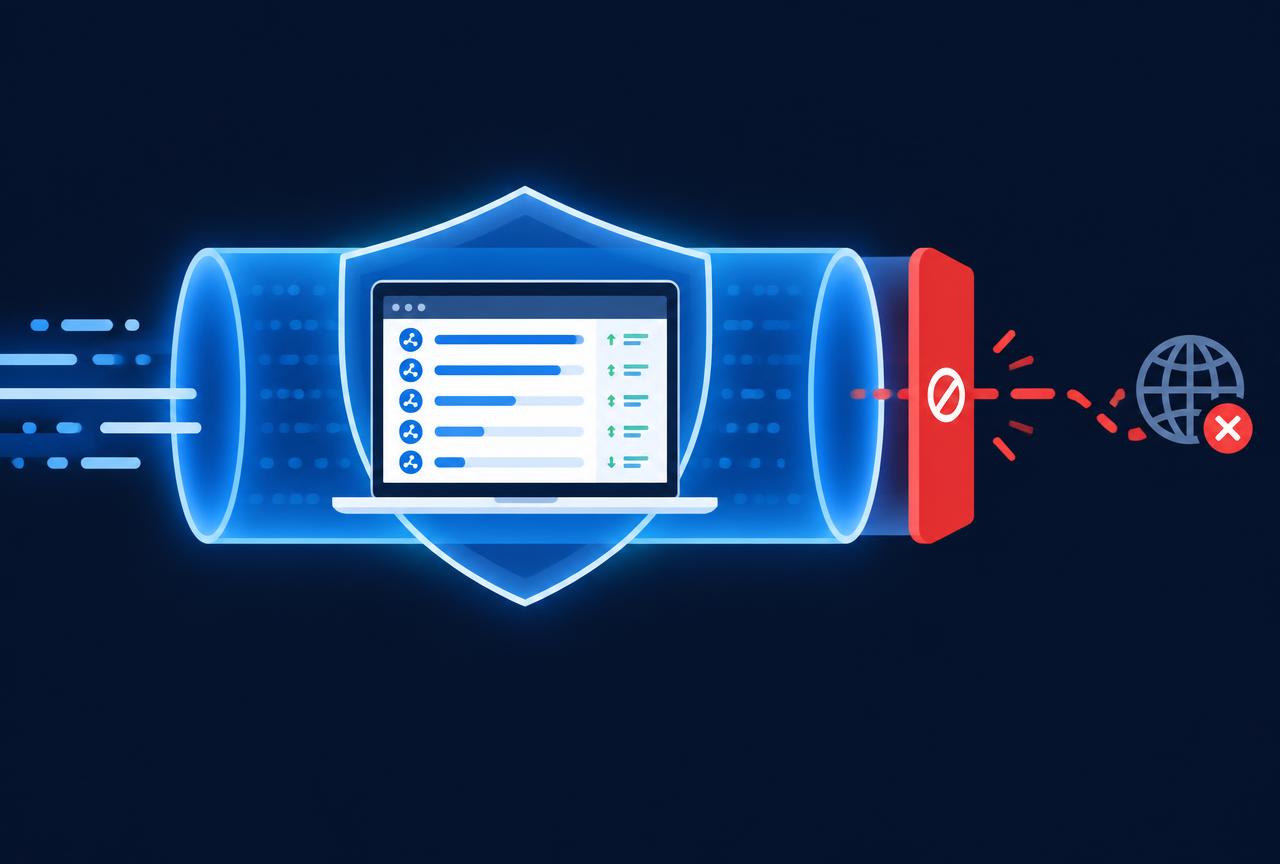
The best VPN for torrenting in 2026 is NordVPN: an audited no logs policy, dedicated P2P servers, a reliable system level kill switch, and WireGuard class speeds. Surfshark is the best budget option with unlimited devices, and CyberGhost is the easiest for beginners with clearly labeled P2P servers. Whichever you pick, the two non negotiables are a kill switch that actually blocks traffic on disconnect and a provider that permits P2P on the servers you use.
Introduction
Torrenting exposes your IP address to every peer in the swarm by design. Anyone connected to the same torrent including monitoring firms that log swarms on behalf of rights holders can see your real address, your ISP, and roughly what you downloaded and when. A VPN replaces that visible address with the VPN server's, which is the entire point.
But not every VPN is safe for P2P. Some ban torrenting outright, some allow it only on a handful of overloaded servers, and some have kill switches that fail silently and leak your real IP the moment the tunnel hiccups. This guide ranks the providers on the criteria that actually matter for torrenting, then walks through a correct setup.
| VPN | Intro price | P2P support | Kill switch | Best for |
|---|---|---|---|---|
| NordVPN | $3.49/mo | Dedicated P2P servers | System + app level | Overall pick: speed, audits, reliability |
| Surfshark | $1.99/mo | All servers | System level | Budget pick, unlimited devices |
| CyberGhost | $1.75/mo | Labeled P2P servers | System level | Beginners, 45 day refund window |
| IPVanish | $2.99/mo | All servers | System level | Unlimited devices, US based support |
| PureVPN | Varies by term | P2P servers + port forwarding add on | System level | Users who need port forwarding |
What Actually Matters in a Torrenting VPN
Marketing pages list dozens of features; four of them decide whether a VPN is safe for P2P. First, a system level kill switch that blocks all traffic the instant the tunnel drops an app level switch that only closes your torrent client is a fallback, not the primary defense. Second, an audited no logs policy, so there is nothing to hand over if the provider is ever compelled. Third, explicit P2P support on the servers you connect to, because some providers throttle or terminate torrent traffic on non P2P servers. Fourth, sustained speed: a swarm with many seeders will saturate whatever bandwidth you give it.
Port forwarding is a useful extra, not a requirement. It lets inbound peers reach your client, which improves connectivity on poorly seeded torrents and helps you seed back. Most mainstream VPNs dropped port forwarding because of abuse; PureVPN still offers it as an add on. If you only download well seeded content, you will not miss it.
1. NordVPN Best Overall for Torrenting
NordVPN combines the two things torrenting demands most: speed and a kill switch that works. Its WireGuard based NordLynx protocol sustains near line rate speeds on typical broadband, and the system level kill switch blocks all traffic on disconnect rather than just closing selected apps. P2P is supported on dedicated servers, the no logs policy has been independently audited multiple times, and the apps make the P2P server list easy to find. The renewal price climbs after the intro term, which is the main trade off.
2. Surfshark Best Budget Option
Surfshark allows P2P on every server, costs less than the competition on long plans, and covers unlimited devices useful if a household torrents from several machines. The kill switch is system level on desktop. Speeds are a step below NordVPN on distant servers but more than adequate for most swarms. The renewal price is the catch: the $1.99 intro rate roughly triples at renewal, so set a reminder before the term ends.
3. CyberGhost Easiest for Beginners
CyberGhost labels its P2P optimized servers directly in the app, so there is no guessing which location permits torrenting. The kill switch is always on style and cannot be disabled accidentally, and the 45 day money back window on long plans is the longest in this list. Speeds trail the top two on long distance connections, which matters only if your swarm peers are far away.
4. IPVanish Unlimited Devices, Straightforward P2P
IPVanish permits torrenting on all servers, includes a system level kill switch, and covers unlimited simultaneous connections. It owns much of its server infrastructure rather than renting it, which keeps speeds consistent. It is US based, which some privacy purists weigh against it; its audited no logs policy is the counterpoint.
5. PureVPN The Port Forwarding Option
PureVPN is the pick when you specifically need port forwarding, which it sells as a low cost add on. That matters for seeding ratio on private trackers and for connecting to poorly seeded swarms. P2P servers are clearly marked, and the kill switch is system level. Base speeds are the weakest in this list, so it wins on the port forwarding feature rather than raw throughput.
How to Set Up a VPN for Torrenting Correctly
Install the VPN and sign in before opening the torrent client
The tunnel must be up before the client ever touches the network. Never start the client first and connect the VPN after.
Enable the system-level kill switch
In the VPN settings, turn on the kill switch (labelled 'network lock', 'always on', or 'block connections without VPN'). Prefer the system level option over the app level one.
Pick a P2P-supported server near you
Use the provider's dedicated or labeled P2P servers. Closer servers mean lower latency and better peering; the country matters less than the distance.
Use the WireGuard-class protocol
Select WireGuard, NordLynx, or the provider's equivalent. It is faster and reconnects quicker than OpenVPN, which shortens the window where the kill switch has to hold.
Verify with a leak test and a torrent IP check
Run a DNS leak test, then use a torrent IP check magnet (several leak test sites offer one) to confirm the swarm sees the VPN's address, not yours.
Bind the torrent client to the VPN interface if your client supports it
qBittorrent can bind to a specific network interface under Advanced settings. Binding to the VPN adapter means the client cannot send traffic at all when the tunnel is down a second layer under the kill switch.
Common Mistakes to Avoid
- Trusting the kill switch without testing it disconnect the VPN mid download once and confirm traffic stops.
- Using a free VPN for torrenting most ban P2P, cap bandwidth, log activity, or all three.
- Torrenting on a non P2P server some providers throttle or reset P2P connections outside their designated servers.
- Leaving the torrent client in the system startup items it can start and announce to trackers before the VPN connects after a reboot.
- Ignoring IPv6 if your VPN does not route IPv6, disable it at the OS level to prevent leaks outside the tunnel.
- Assuming a VPN makes copyright infringement legal it changes what observers can see, not what the law says.
| Your situation | Recommendation |
|---|---|
| Best balance of speed and safety | NordVPN audited, fast, reliable kill switch |
| Tightest budget, many devices | Surfshark $1.99/mo intro, unlimited connections |
| First VPN, want simplicity | CyberGhost labeled P2P servers, 45 day refund |
| Need port forwarding for seeding | PureVPN with the port forwarding add on |
| Torrenting on a router for the whole home | NordVPN or Surfshark configured at the router level |
Conclusion
For most people, NordVPN is the right torrenting VPN in 2026: fast enough to saturate a home connection, audited, and built around a kill switch that actually holds. Surfshark wins on price and device count, CyberGhost on simplicity, and PureVPN is the niche pick when port forwarding is the requirement.
Whichever you choose, the setup matters as much as the provider: kill switch on, P2P server selected, leak test passed, and the client bound to the VPN interface where possible. Compare current pricing and audit status side by side on our comparison hub.
Is torrenting safe with a VPN?
A VPN hides your real IP address from the swarm and encrypts traffic from your ISP, which removes the two main exposure points. Safety still depends on a working kill switch and a provider with an audited no logs policy. A VPN does not make downloading copyrighted content legal.
Do I need port forwarding for torrenting?
No for typical downloading. Port forwarding helps when seeding back, maintaining ratio on private trackers, or connecting to swarms with few peers. If you only download well seeded torrents, you will not notice its absence.
Can I use a free VPN for torrenting?
It is a bad idea. Free VPNs typically ban P2P traffic, cap speeds and data, lack reliable kill switches, and often log activity to monetize it. The few dollars a paid VPN costs are the price of the features torrenting actually requires.
Will a VPN slow down my torrent downloads?
Slightly. A modern WireGuard based VPN typically costs a few percent of line speed on nearby servers. In some cases a VPN can even improve speeds if your ISP throttles BitTorrent traffic, because the ISP can no longer see that the traffic is P2P.
What is a kill switch and why does it matter for torrenting?
A kill switch blocks all network traffic the moment the VPN tunnel drops, so your torrent client never announces your real IP to the swarm during a reconnect. Without it, a brief disconnection is enough to expose you. Always prefer the system level version over an app level one.
Which VPN protocol is best for torrenting?
WireGuard or a WireGuard based implementation such as NordLynx. It is faster than OpenVPN and reconnects in a fraction of the time, which shrinks the exposure window when a connection drops.
Can my ISP see that I am torrenting if I use a VPN?
Your ISP sees encrypted traffic going to a VPN server, not the contents or the fact that it is P2P. Without a VPN, BitTorrent traffic is easy for an ISP to identify and, in some regions, throttle or flag.