
Best VPN for PS5 in 2026: Setup Methods, Speed, and What to Buy
The PS5 has no native VPN app, so the setup method matters as much as the provider. We compare router setup, Smart DNS, and PC sharing, then rank the best VPNs for PS5 in 2026 on speed, streaming, and price.

Networking Editorial
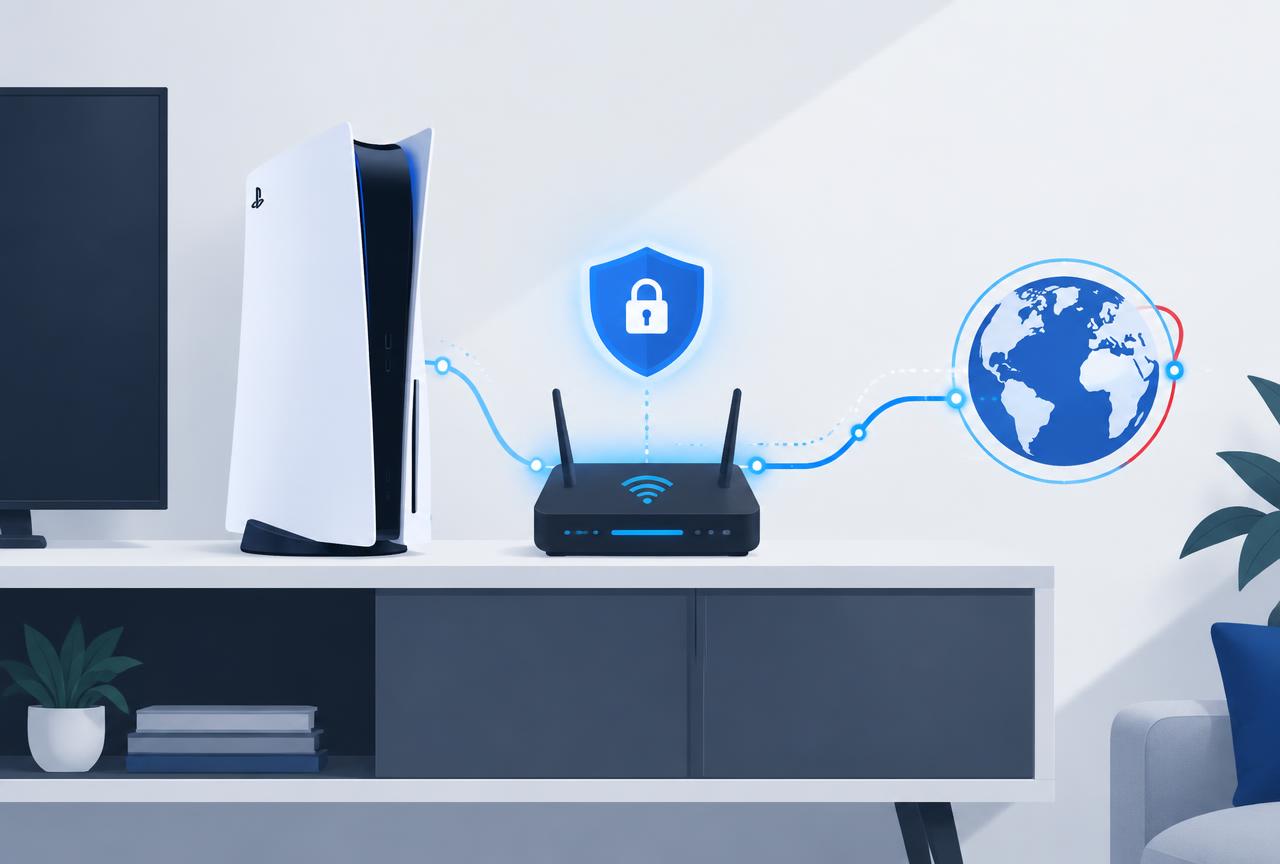
Quick answer: The best VPN for PS5 in 2026 is NordVPN, set up on your router: it has the fastest WireGuard implementation we tested (NordLynx), the clearest router documentation, and the most reliable streaming unblocking. Surfshark is the budget pick at $1.99 per month with unlimited devices, and its Smart DNS is the easiest option if you only want streaming regions, not encryption. Because the PS5 has no native VPN app, your real decision is the setup method: router tunnel for full protection, Smart DNS for streaming only, or PC connection sharing as a free fallback.
Why the PS5 Has No VPN App (and What That Means)
PlayStation's operating system does not allow VPN applications, and Sony does not expose network stack controls to third parties. There is no VPN section in PS5 settings and there never has been. Every working method routes the console's traffic through something else that runs the VPN: your router, a PC, or a DNS level service.
This constraint changes how you should evaluate providers. App polish matters less than router compatibility, WireGuard config export, and Smart DNS quality. A provider with a beautiful PlayStation marketing page but no router documentation is useless here.
The Three Setup Methods, Ranked
| Method | Protection | Difficulty | Best For |
|---|---|---|---|
| VPN on the router | Full encryption for every device | Moderate (one time setup) | Privacy, region changes, households |
| Smart DNS on the PS5 | None (DNS rerouting only) | Easy (5 minutes) | Streaming other regions' libraries |
| Share VPN from a PC | Full encryption while the PC is on | Moderate, fiddly | Occasional use without touching the router |
Method 1: VPN on the router
Install the VPN as a client on your router and every device behind it, including the PS5, exits through the tunnel. Most ASUS, Netgear, TP Link, and Synology routers support this on stock firmware with no flashing. The full walkthrough is in our router setup guide. Latency impact on a nearby server is typically 5 to 15 ms, invisible in most games.
Method 2: Smart DNS
Enter the provider's Smart DNS addresses in the PS5 network settings (Settings, Network, Set Up Internet Connection, Advanced Settings, DNS) and streaming apps see the region you chose. No speed loss, no encryption. This is the right tool if your only goal is watching another country's Netflix or BBC iPlayer on the console.
Method 3: Share the connection from a PC
Connect the VPN on a Windows PC or Mac, then share that connection over Ethernet to the PS5 (on Windows: Network Connections, adapter properties, Sharing tab). It works and costs nothing extra, but the PC must stay on and awake whenever the console is online. Treat it as a stopgap, not a permanent setup.
The Best VPNs for PS5 in 2026
| Provider | Price (2-yr plan) | Router support | Smart DNS | Verdict |
|---|---|---|---|---|
| NordVPN | $3.49/mo | Excellent docs, WireGuard + OpenVPN | Yes | Best overall: fastest and most reliable for streaming |
| Surfshark | $1.99/mo | Good docs, exportable WireGuard configs | Yes | Best value: unlimited devices cover the whole house |
| CyberGhost | $1.75/mo | Adequate | Yes | Cheapest entry; streaming servers labeled by platform |
| IPVanish | $2.99/mo | Good, own network infrastructure | No | Unlimited devices; weaker for streaming regions |
NordVPN: best overall for PS5
NordVPN's NordLynx protocol consistently posts the lowest overhead in our speed tests, which is what keeps router tunneled gaming responsive. Its router setup guides cover every major brand with screenshots, and its streaming unblocking is the most dependable we have measured on Netflix, Disney Plus, and BBC iPlayer. At $3.49 per month on the two year plan it is not the cheapest, but it is the provider we would install on a console household's router first. Read the full NordVPN worth it analysis.
Surfshark: best value
At $1.99 per month with unlimited simultaneous devices, Surfshark covers the PS5, every phone, and every laptop in the house on one subscription. Its exportable WireGuard configs make router setup straightforward, and its Smart DNS is among the easiest to activate. Speed trails NordVPN slightly on long distance routes; for most households the price difference matters more.
What a VPN Does (and Does Not) Do for PS5 Gaming
- It does not lower ping to nearby servers. Routing is already direct; a VPN adds a small hop. Expect 5 to 15 ms extra on a nearby VPN server.
- It can stabilize routes to distant servers. If your ISP takes a bad path to a specific game region, a VPN endpoint in that region occasionally produces a more consistent route.
- It changes your matchmaking region. Useful for playing with friends abroad or accessing region locked releases.
- It does not fix NAT Type 3. NAT behavior comes from your router's port handling; see our NAT Type 3 fix guide for that.
- It hides traffic from your ISP. Relevant if your provider throttles gaming or streaming, or if you simply do not want usage logged.
Recommended Setup in 15 Minutes
Pick the provider and plan
NordVPN if performance is the priority, Surfshark if price is. Both offer 30 day money back guarantees, so the decision is reversible.
Check your router's VPN client support
Look for a VPN Client section in the router admin page. ASUS, Netgear, TP Link, and Synology models usually have one on stock firmware.
Install the WireGuard config on the router
Download the config file from the provider's dashboard, import it into the router's VPN client, and choose a server near you for gaming or in the target country for streaming.
Route only the PS5 if the router supports policy rules
Many routers let you tunnel specific devices. Sending only the console through the VPN keeps the rest of the household at full speed.
Test on the PS5
Run Settings, Network, Test Internet Connection, then verify the region in a streaming app or your external IP via the console's browser.
Mistakes to Avoid
- Searching the PlayStation Store for a VPN app. None exist; any guide claiming otherwise is wrong.
- Using a free VPN on the router. Free services cap speed and data, and their business model is usually your data.
- Choosing a distant server for gaming. Pick the nearest endpoint unless you specifically need another region.
- Expecting Smart DNS to protect you. It reroutes streaming checks only; your traffic remains unencrypted.
- Tunneling the whole household when only the console needs it. Use per device rules if your router offers them.
Frequently Asked Questions
Can I install a VPN directly on my PS5?
No. The PS5 operating system does not allow VPN apps. You must run the VPN on your router, share it from a PC, or use the provider's Smart DNS feature.
Will a VPN increase my ping on PS5?
Slightly. A nearby VPN server typically adds 5 to 15 ms. For most games this is unnoticeable; competitive players should pick the closest endpoint and use WireGuard rather than OpenVPN.
Is Smart DNS or a router VPN better for PS5 streaming?
Smart DNS is easier and faster for pure streaming because nothing is encrypted. A router VPN is better if you also want privacy or region changed matchmaking. Many households run Smart DNS on the console and leave the router untouched.
Can a VPN get me cheaper games on the PlayStation Store?
The store region is tied to your account's country, not your IP, so a VPN alone does not change pricing. Creating a foreign account violates Sony's terms and risks the account; we do not recommend it.
Does a VPN fix NAT Type 3 on PS5?
No, except in one case: if your ISP uses CGNAT, a VPN with port forwarding on the router can open inbound connectivity. Otherwise NAT type is fixed with UPnP or port forwarding, covered in our NAT Type 3 guide.
What is the cheapest good VPN for PS5?
Surfshark at $1.99 per month on the two year plan, with CyberGhost at $1.75 as the lowest headline price. Both include Smart DNS and router support, and both have money back guarantees of 30 to 45 days.