
PS5 NAT Type 3 to Open in 2026: The Fixes That Actually Work
NAT Type 3 on PS5 breaks party chat, matchmaking, and hosting. Here is what NAT type actually means, why Type 3 happens, and the fixes that work in 2026: UPnP, port forwarding, DMZ, and removing double NAT.

Networking Editorial
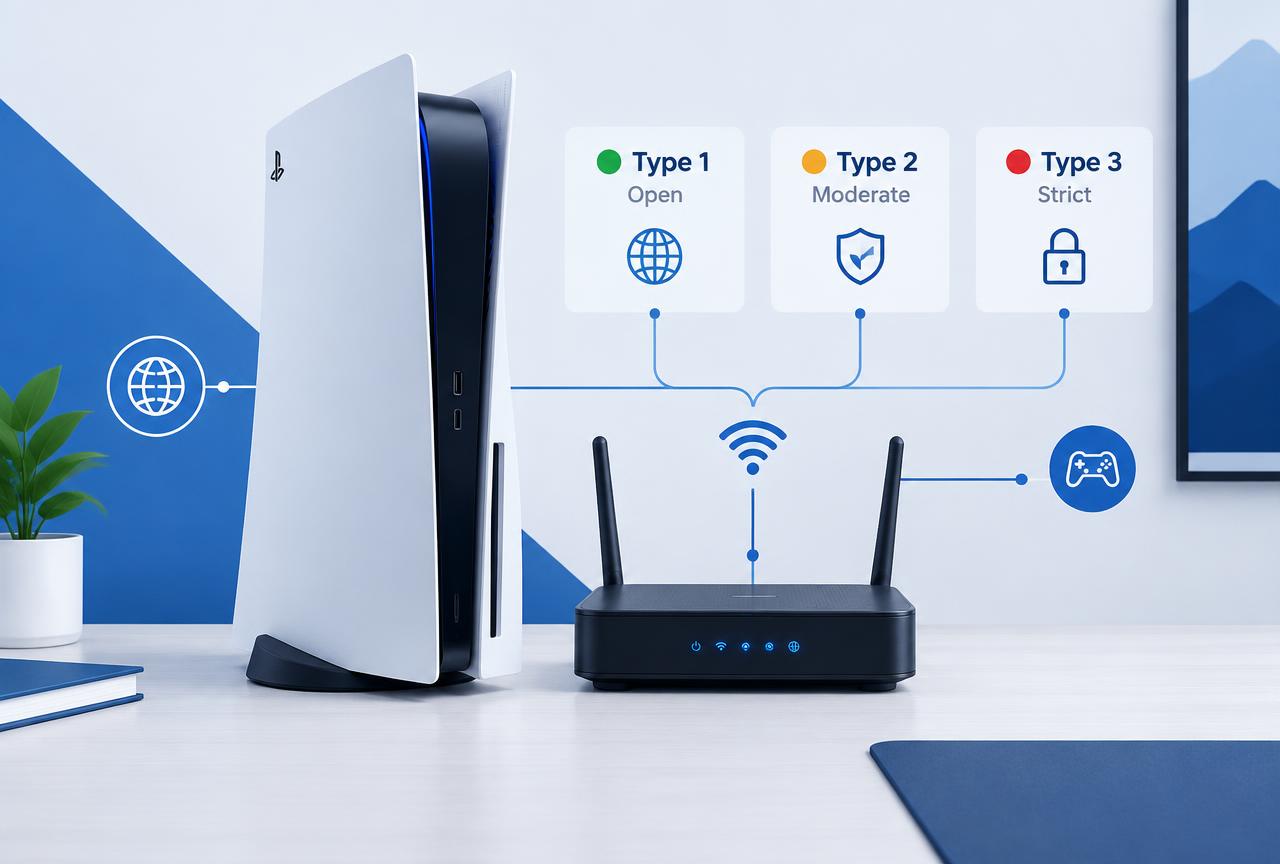
Quick answer: NAT Type 3 on PS5 means your router is blocking inbound connections, which breaks party chat, matchmaking, and hosting. The fix that works most often is enabling UPnP in your router settings. If UPnP is already on or unavailable, forward the PlayStation ports (TCP 1935, 3478 3480 and UDP 3074, 3478 3479) to your console's IP, or place the PS5 in the router's DMZ. If you have two routers in the chain (a common cause), put the first one in bridge mode. If none of this changes anything, your ISP uses CGNAT and only a VPN with port forwarding will open your NAT.
What NAT Type Actually Means on PS5
NAT (Network Address Translation) is how your router lets multiple devices share one public IP address. Your PS5 reports one of three types based on how easily other players can reach your console inbound:
| NAT Type | PS5 Label | What It Means | Real-World Effect |
|---|---|---|---|
| Type 1 | Open | Console is directly on the internet or fully exposed | Best matchmaking, can host, no chat issues |
| Type 2 | Moderate | Behind a router with UPnP or correct port forwarding | Fine for almost everything; this is the normal target |
| Type 3 | Strict | Router blocks unsolicited inbound traffic | Failed party chat, long matchmaking, cannot host lobbies |
Important: NAT type has nothing to do with your DNS settings. Changing to 1.1.1.1 or 8.8.8.8 will never move you from Type 3 to Type 2, because the problem is inbound port handling at the router, not name resolution. If you came here from a DNS guide, you can stop touching DNS now.
Step 0: Find Out Which Cause You Have
There are exactly four causes of NAT Type 3, and each has a different fix. Spend two minutes identifying yours before changing settings:
- UPnP is off on the router the most common cause by far. Fix in the router admin panel.
- Double NAT you have two routers (typically an ISP box plus your own router), so ports get translated twice. Check by comparing the WAN IP on your router's status page with the IP shown at a what is my IP site; if they differ, you are behind a second NAT.
- UPnP is on but broken some routers ship buggy UPnP. Fix with manual port forwarding instead.
- CGNAT from your ISP your ISP itself NATs your connection (common on mobile broadband, some fiber, and apartment networks). No router setting can fix this; see the last section.
Fix 1: Enable UPnP (Solves Most Cases)
Open your router's admin page
Usually
192.168.0.1or192.168.1.1in a browser. The login is printed on the router label if you never changed it.Find the UPnP toggle
Look under Advanced, NAT Forwarding, or WAN settings depending on the brand. On ASUS it is under Advanced Settings, WAN; on Netgear under Advanced, Advanced Setup; on TP Link under NAT Forwarding.
Enable UPnP and save
Apply the setting. Some routers require a reboot to activate it.
Restart the PS5 and re-test
On the console: Settings, Network, Connection Status, Test Internet Connection. The NAT type line should now read Type 2.
Fix 2: Manual Port Forwarding (When UPnP Fails)
First give the PS5 a fixed IP so the rules keep working: in the router's DHCP settings, add a reservation mapping the console's MAC address to a specific IP (for example 192.168.1.50). Then forward these ports to that IP:
| Protocol | Ports | Used For |
|---|---|---|
| TCP | 1935, 3478, 3479, 3480 | PlayStation Network sign in and services |
| UDP | 3074, 3478, 3479 | Party chat, matchmaking, game traffic |
Save, reboot the router, and run the PS5 connection test again. If you also own an Xbox or a second console, do not forward the same ports to two devices; use UPnP for the second one or assign different external ports.
Fix 3: DMZ (The Blunt Instrument)
Placing the PS5's reserved IP in the router's DMZ exposes all its ports to the internet, which guarantees Type 2. It is safe enough for a console (there is little to attack on the PS5 OS) but never do this with a PC. Use it when port forwarding is impractical, for example on routers with a tiny forwarding rule limit.
Fix 4: Remove Double NAT
If your ISP box is also a router and your own router sits behind it, the PS5 is NATed twice and UPnP on the inner router cannot help. Two clean options:
- Bridge mode: put the ISP box into bridge/modem only mode so your own router gets the public IP directly. This is the better option if you have a decent router.
- DMZ on the ISP box: point the ISP router's DMZ at your own router's WAN IP, then run UPnP or forwarding on your router as normal.
When Nothing Works: CGNAT
If your router's WAN IP starts with 100.64. through 100.127., or differs from what a what is my IP site reports even with a single router, your ISP is doing carrier grade NAT. You share a public IP with other customers, and no setting on your equipment can open inbound ports.
Your options, in order of effort: call the ISP and ask for a public IP (many will do it free or for a small monthly fee), or run a VPN with port forwarding support on the router so the console's traffic exits through an endpoint that accepts inbound connections. A standard VPN without port forwarding will not fix NAT type; check the provider's feature list before subscribing for this purpose.
Mistakes That Waste Your Time
- Changing DNS to fix NAT type. DNS and NAT are unrelated; this does nothing.
- Setting a static IP on the PS5 itself without a router reservation. The DHCP server can hand the same IP to another device and break everything.
- Enabling UPnP and manual forwarding for the same ports. Pick one method; combining them causes conflicts on many routers.
- Buying a gaming VPN marketed as a NAT fix. Only port forwarding VPNs change NAT behavior, and only when run on the router.
- Chasing Type 1. Type 2 is functionally identical for matchmaking and chat; Type 1 usually requires a DMZ or a dedicated public IP.
Frequently Asked Questions
Is NAT Type 2 good enough for PS5?
Yes. Type 2 gives you full matchmaking, party chat, and hosting in practice. Type 1 offers no meaningful advantage for a console behind a home router.
Does NAT type affect download speed?
No. NAT type only affects inbound connectivity for matchmaking, chat, and hosting. Download speed is set by your line, the CDN, and Wi Fi quality.
Why did my NAT type suddenly change to Type 3?
Usually a router firmware update reset UPnP, the DHCP reservation expired and the console got a new IP, or the ISP moved you behind CGNAT. Re check UPnP and the console's reserved IP first.
Does a VPN fix NAT Type 3 on PS5?
Only a VPN with port forwarding, configured on the router, can open NAT when the ISP uses CGNAT. A normal VPN app or a VPN without port forwarding will not change the console's NAT type.
Is UPnP safe to leave on?
For a typical home network, yes. The risk is that any compromised device on your network could open ports, so keep UPnP off if you run untrusted devices, and use manual forwarding instead.
Do I need to open ports for specific games?
The PlayStation Network ports cover sign in, chat, and most matchmaking. Some games publish extra ports (Call of Duty uses UDP 3074 and additional ranges); check the publisher's support page if one game still misbehaves after Type 2 is achieved.