
VPN Not Working on Hotel Wi-Fi? Fix the Login Before Buying Again
Fix hotel Wi-Fi VPN problems in order: captive portal, kill switch, server and protocol checks. Compare NordVPN, Surfshark, CyberGhost and IPVanish only when needed.

Networking Editorial
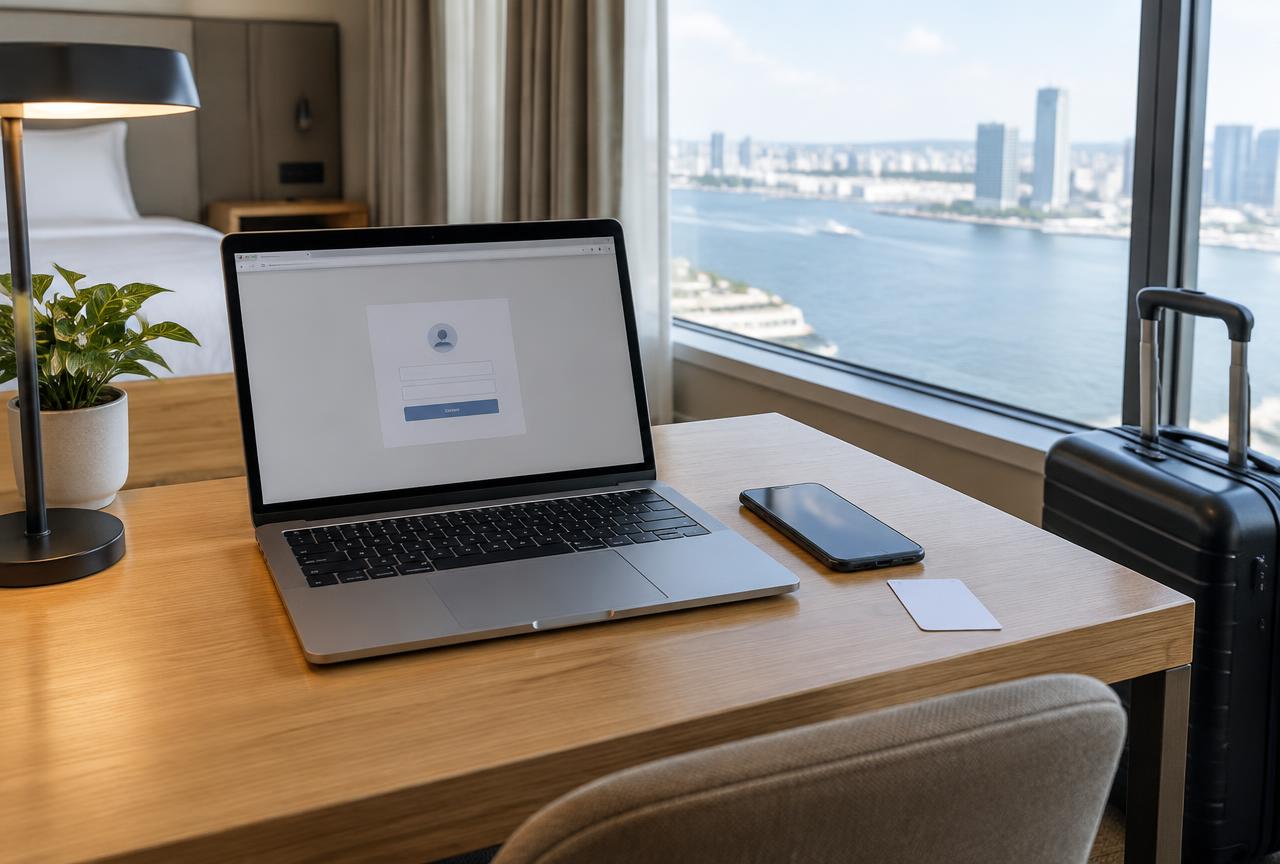
Quick answer: If your VPN will not connect on hotel Wi Fi, complete the hotel’s captive portal login first. Temporarily pause VPN auto connect and any traffic blocking setting only if they prevent that login, then reconnect and restore protection. If ordinary internet works but the VPN still fails, try another server and an alternate supported protocol. Test the same app on cellular to separate a hotel network restriction from a device problem. Buy another VPN only when you have identified a missing feature or unsupported configuration not because a login page will not open.
This guide covers arrival day connection diagnosis, not general international travel recommendations. We checked official partner support documentation on 2 November 2026. We have not tested these providers across hotels or measured a connection success rate. The shortlist below is based on documented troubleshooting controls, not a claim that any VPN defeats every network restriction. We may earn a commission from purchases through our affiliate links.
Identify the Failure Before Changing Providers
| What you see | What to check first | Would another VPN help? |
|---|---|---|
| Wi Fi connected, but no login page or websites | Captive portal, room access and blocking settings | Usually not until network access is working |
| Websites work without the VPN; connection never completes | Another server, protocol and network comparison | Possibly, if the required mode is missing |
| VPN connects, but browsing fails | VPN routing, DNS and competing network software | Not necessarily; isolate the app configuration |
| Connection drops when the phone locks | Battery restrictions and network handoffs | Try device settings before paying again |
| Everything is slow with and without the tunnel | Wi Fi signal, congestion and hotel bandwidth | A different VPN cannot create uplink capacity |
1. Finish the Hotel’s Captive Portal
A captive portal is a network access page asking for a room code, payment or acceptance of terms. Joining the Wi Fi does not necessarily finish that authorization. Ask reception for the exact network name and legitimate login process. Open your device’s Wi Fi sign in notification or the page reception provides. If the session expired, repeat the authorization rather than resetting every VPN setting.
NordVPN’s captive portal instructions specifically explain that Auto connect and Kill Switch can prevent the page from loading. Disconnect the personal VPN, pause those controls where necessary, complete the legitimate portal, and confirm ordinary browsing works. Reconnect the VPN before restoring Kill Switch and Auto connect. On Android, the system’s Block connections without VPN setting may also need temporary attention; do not assume changing an app toggle overrides the operating system.
2. Compare a Server and Protocol, One Change at a Time
Once internet access works, choose another nearby permitted VPN location. If the connection still stalls, try an alternate protocol offered by the actual app. OpenVPN TCP is worth testing when available and a UDP based mode fails, but it is not a universal bypass. A network can filter endpoints or traffic independently of the transport. Do not assume port 443 is used automatically, or that TCP traffic is indistinguishable from ordinary HTTPS.
Record the operating system, app version, selected server and protocol. Change one variable and repeat the same simple page load. If a protocol works, keep that result for support rather than repeatedly reinstalling. Restore your preferred configuration on the next unrestricted network if appropriate. Our WireGuard versus OpenVPN guide explains the tradeoffs without claiming a hotel specific speed result.
3. Use Cellular as a Comparison, Not Proof of a Block
Turn off Wi Fi and test the same VPN app and location on a permitted cellular connection. If cellular works but hotel Wi Fi does not, the hotel path becomes the leading place to investigate. That still does not prove intentional filtering: expired authorization, routing problems or network equipment can produce similar symptoms. Ask reception whether VPN use is permitted and whether a different guest network is available. If both connections fail, investigate the account, app or device instead.
A hotspot or travel eSIM is a practical fallback only when coverage, allowance and tethering terms support it. It does not remove the need to follow employer or destination rules. For critical work, preserve a working approved connection rather than experimenting during a meeting. A personal VPN cannot supply access to internal company resources; the remote work guide explains that separate requirement.
4. Connected but No Internet: Avoid Random DNS Changes
A connected icon means a tunnel was established, not that browsing is working. Check another normal website and another VPN endpoint. Follow your provider’s platform specific guidance on DNS or routing only after this comparison. Do not replace every resolver with a public DNS address as a first move: it can interfere with portal discovery or change the privacy behavior you intended. Keep a record of the original values so you can restore them.
Another active VPN, a proxy configuration or security product can also affect routes. On a personal device, review recent networking changes and use official support instructions. Do not disable company security controls to force a consumer connection. If browsing fails on every network, continue with VPN connected but no internet. If the tunnel repeatedly drops instead, use the disconnecting checklist.
When Switching VPNs Is a Reasonable Purchase
If the legitimate login is complete and an ordinary VPN mode still fails, compare the exact restricted network controls before paying again. Our obfuscated servers buying guide distinguishes traffic hiding modes from ordinary protocol fallback and explains why older app instructions may no longer apply.
Consider another provider when your current app lacks an alternate supported protocol, does not support your travel device, or cannot deliver a configuration you have confirmed you need. A support response explaining that limitation is more useful than an unexplained failed connection. Check a candidate’s exact mobile or desktop app before paying; a Windows screenshot does not establish iPhone feature parity. No provider earns a recommendation here simply by advertising a large server count.
| Rank | Partner | Documented reason to compare | Pre-purchase check |
|---|---|---|---|
| 1 | NordVPN | Explicit captive portal workflow; server and protocol troubleshooting | Can your device expose the required connection controls? |
| 2 | Surfshark | macOS support documents location and protocol changes | Verify the alternate mode on your own operating system |
| 3 | CyberGhost | Windows troubleshooting covers server and protocol changes | Check your app, not just desktop instructions |
| 4 | IPVanish | Support covers primary connection, server, protocol and DNS checks | Confirm platform support and the purchase channel’s terms |
Start by comparing NordVPN’s current plans when you want a documented portal to protected browsing workflow on a personal travel device. Its own instructions show why the initial failure may be a login sequencing problem rather than a reason to switch. Ask support about the alternate protocol available in your exact app, and do not purchase a dedicated IP expecting it to repair a captive portal.
Compare Surfshark if its current app and subscription fit the devices you carry; its macOS documentation explicitly suggests testing locations and protocols. CyberGhost documents equivalent troubleshooting categories for Windows. IPVanish also starts with checking the underlying connection and changing servers or protocols. These instructions establish useful controls, not evidence that one partner works on your hotel’s network.
Compare the total charged now, renewal amount, taxes and any refund exclusions for the selected term and seller. A promotional monthly equivalent can require a large upfront payment. For a short stay, read the monthly VPN comparison before accepting a multi year offer. Canceling renewal does not automatically request a refund. Test the connection promptly and contact the correct seller within any eligible window.
Hotel Arrival Checklist
Confirm the legitimate network
Ask reception for the exact Wi Fi name and login process. Keep sensitive apps closed during network authorization.
Open the portal safely
If needed, temporarily pause personal VPN auto connect and traffic blocking. Do not alter enforced company settings or accept certificate warnings.
Authorize before reconnecting
Complete the portal, verify ordinary internet, reconnect the VPN, then restore the appropriate protective controls.
Test server and protocol separately
Try another permitted nearby location, then another supported protocol. Record which configuration works.
Compare with cellular
Test the same app on cellular where permitted. If only the hotel path fails, ask reception and provider support before buying again.
Keep or replace based on evidence
Evaluate the actual supported setup, bill and refund conditions. Confirm browsing works and the intended protection is restored before sensitive use.
Mistakes That Waste Time or Money
- Buying a second subscription before completing the hotel’s login.
- Leaving blocking controls paused after the portal opens.
- Treating cellular success as definitive proof of deliberate filtering.
- Changing DNS, protocol and server together, then losing the working configuration.
- Expecting a VPN to fix weak reception, congestion or a room’s expired access code.
- Assuming a dedicated IP or a longer subscription guarantees hotel compatibility.
Fix the Login; Buy for the Missing Capability
The sensible order is portal, basic internet, VPN server, protocol, then another network. If that restores your existing subscription, keep it rather than paying twice. If it exposes an actual platform or protocol limitation, compare NordVPN first and the other partners against that specific requirement. For a broader trip planning decision, our travel VPN buying guide covers devices, eSIMs and preparation before departure.
Frequently Asked Questions
Why is my VPN not working on hotel Wi-Fi?
First check whether the hotel’s captive portal authorization is complete. If normal browsing works but the VPN fails, compare another server, a supported alternate protocol and cellular. The symptom alone does not prove intentional VPN blocking.
Should I turn off the kill switch for a hotel login?
Only temporarily if it prevents the legitimate portal from opening and your device policy allows it. Keep sensitive activity closed, complete authorization, reconnect the VPN and restore the protective setting. Ask IT before changing managed device controls.
Will OpenVPN TCP always work on hotel Wi-Fi?
No. It is an alternate mode worth testing when your app supports it and another mode fails. A network can still restrict endpoints or traffic. Do not assume automatic use of port 443 or guaranteed passage through a firewall.
Does changing DNS fix a hotel VPN connection?
Not universally. Start with portal authorization, server and protocol comparisons. Follow platform specific support guidance only after narrowing the problem; indiscriminate resolver changes can interfere with login discovery or intended privacy behavior.
Which VPN should I buy for hotel Wi-Fi?
Our documented feature starting comparison is NordVPN, followed by Surfshark, CyberGhost and IPVanish. Check the actual app’s controls and payment terms. None guarantees compatibility with every hotel, and another purchase will not finish an expired network login.
Can a dedicated IP fix a hotel that blocks VPNs?
Do not buy it for that assumption. A fixed outbound address does not authorize the guest network, repair reception or guarantee that a firewall permits the VPN tunnel. Buy a dedicated IP only for a separately confirmed requirement.
Official Documentation Checked
- NordVPN Support: How to log in to a captive portal Wi Fi network while using NordVPN; My internet disconnects when using NordVPN on Linux.
- Surfshark Support: How to fix unable to connect issues on macOS location, protocol and software interference checks.
- CyberGhost Support: Troubleshooting VPN connection on Windows protocol, server and competing software checks.
- IPVanish Support: Why can’t I connect to the internet while connected to IPVanish primary connection, server, protocol and DNS diagnosis. Provider sources are named without non affiliate outbound links.