
PS5 Slow Download Speed? 9 Causes and Fixes in Order (2026)
Why your PS5 downloads slowly and how to fix it: compare the console test with another device, use Ethernet or 5 GHz Wi-Fi, check PSN status, rest mode, DNS, MTU and when a VPN can help.

Networking Editorial
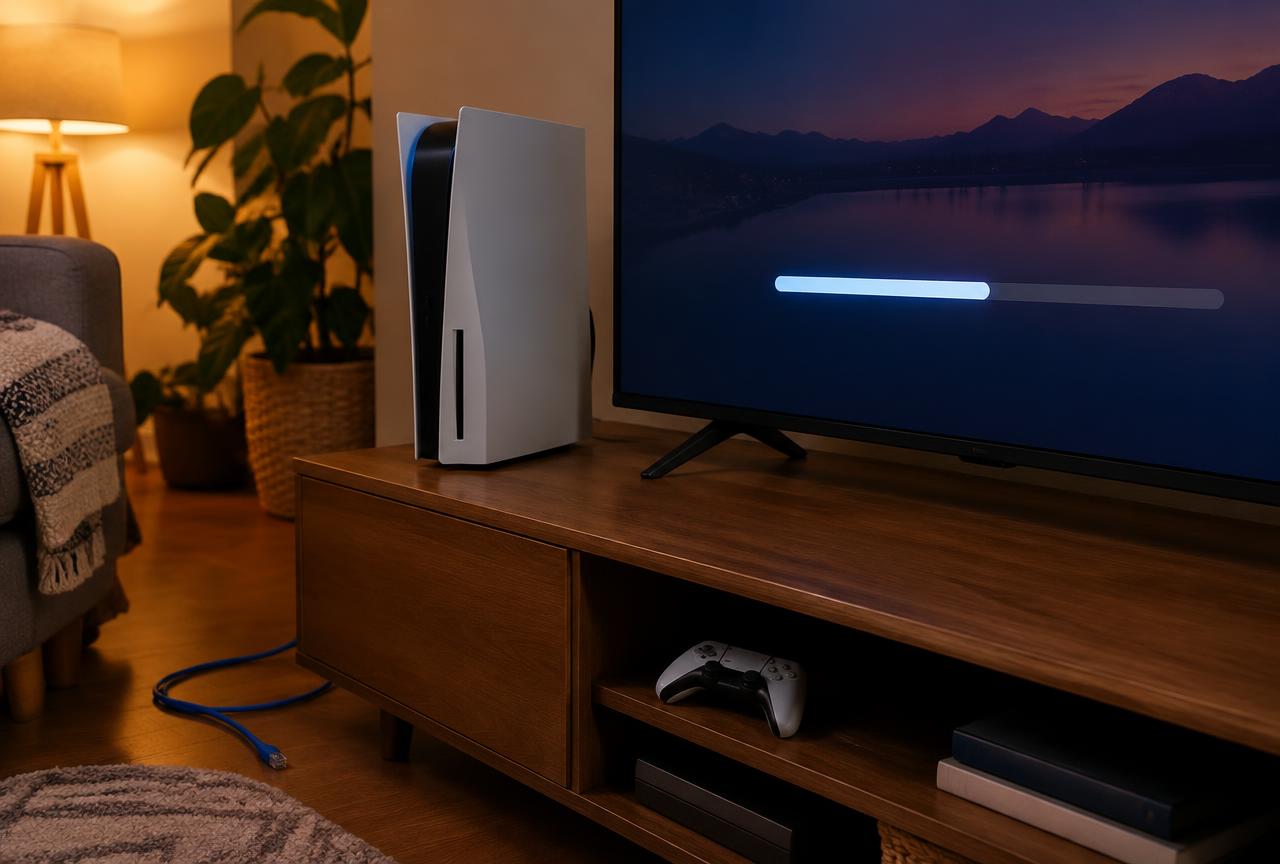
Quick answer: Most slow PS5 downloads come from the local connection, not the console. Run the PS5 connection test, then run a speed test on a phone or laptop in the same spot. If both are slow, the issue is your Wi Fi or internet plan. If only the PS5 is slow, move it to Ethernet or 5 GHz Wi Fi, pause and resume the download, and check PlayStation Network status. Changing DNS rarely changes download throughput. A VPN does not make an unrestricted connection faster; it is only worth testing if you have evidence your provider slows gaming downloads.
This is a diagnostic guide written from standard PS5 menu paths and general network behavior. We have not run a laboratory benchmark, so this page publishes no speed percentages. Menu names can change with system updates. We may earn a commission when you buy through our affiliate links.
Step 1: Find Out Whether the PS5 Is Really the Problem
Run the console test
Go to Settings > Network > Connection Status > Test Internet Connection and note the download result.
Test another device in the same position
Run a browser speed test on a phone or laptop placed next to the console, on the same Wi Fi band.
Compare against your plan
If both results sit well below the plan you pay for, the bottleneck is the router, Wi Fi coverage or the provider, not the PS5.
Compare against the store download
A good connection test but a slow game download points toward the PlayStation servers, a busy release day or the specific download, not your network.
The 9 Common Causes, in the Order to Check Them
| Cause | How to recognize it | Fix |
|---|---|---|
| Weak Wi Fi signal | Phone next to the router is fast, PS5 in another room is slow | Use Ethernet, move the router or add a mesh node |
| 2.4 GHz band | Network name without a 5G suffix; slow but stable | Join the 5 GHz network if the console is within range |
| Other devices downloading | Speed improves late at night or when others are offline | Pause cloud backups and streams, or schedule downloads |
| PlayStation Network load | Connection test is fine; large launch day downloads crawl | Check PSN status and retry later |
| Stalled download session | Speed drops sharply partway through | Pause and resume the download from the Downloads list |
| Rest mode limits | Downloads stop or slow while the console sleeps | Enable Stay Connected to the Internet under rest mode features |
| Router fault or old firmware | Every device slows over days and recovers after a restart | Restart the router and update its firmware |
| Internet plan ceiling | All devices top out at the same low number | Contact the provider or upgrade the plan |
| Provider traffic management | Only large game downloads slow at certain times, other traffic is normal | Ask the provider; test a VPN comparison as a diagnostic |
Ethernet and Wi Fi: The Fix That Matters Most
A wired connection removes interference, distance and band congestion in one step. Go to Settings > Network > Settings > Set Up Internet Connection and choose the wired LAN option after plugging in the cable. If a cable is impractical, a powerline adapter or mesh node near the console is the next option. On Wi Fi, confirm the console joined the 5 GHz network rather than the 2.4 GHz one; 5 GHz is usually faster at short range but weaker through walls.
Rest Mode and Pause Resume
Downloading in rest mode is convenient, but the console must be allowed to stay online. Check Settings > System > Power Saving > Features Available in Rest Mode and enable Stay Connected to the Internet. If an active download slows suddenly, pausing it and resuming it from the Downloads list starts a fresh session and is a quick, reversible test.
Do DNS or MTU Changes Speed Up Downloads?
Usually not in a measurable way. DNS converts names into addresses before a connection starts; it does not set how fast the file arrives afterward. A different resolver can help when your provider’s DNS is unreliable or slow to respond, so it is worth trying, but it is not a throughput fix. Our PS5 DNS settings guide lists resolver pairs to compare. MTU changes are only useful if your network has a confirmed fragmentation problem; leave the automatic value otherwise.
NAT type affects party chat and matchmaking, not store downloads. If you also see NAT Type 3, use our separate PS5 NAT type guide rather than changing download settings.
When a VPN Can Help, and When It Cannot
A VPN adds encryption and an extra server hop, so on an unrestricted connection it normally adds overhead rather than speed. The one case where it can help is provider traffic management: if your provider slows recognizable large game downloads, an encrypted tunnel hides that traffic type. The PS5 has no VPN app, so the tunnel must run on a router or be shared from a computer. Treat it as a test: compare the same download with and without the VPN at the same time of day, and keep the subscription only if the difference is consistent.
| Situation | Will a VPN help downloads? | Better first step |
|---|---|---|
| Weak Wi Fi or 2.4 GHz | No | Ethernet or 5 GHz |
| Plan speed too low | No | Upgrade plan |
| PSN busy on launch day | No | Retry later |
| Only game downloads slow at peak times | Possibly, if the provider throttles that traffic | Ask the provider, then run a VPN comparison |
If your comparison points to throttling, start with NordVPN, which documents router setup and offers a 30 day money back guarantee on eligible plans. Surfshark is the lower cost option with unlimited simultaneous connections. Our router VPN setup guide explains how to cover the console without flashing firmware, and the PS5 VPN buying guide compares providers in more detail.
Mistakes to Avoid
- Buying a VPN or new router before comparing the PS5 with another device in the same spot.
- Judging speed during a major game launch, when PSN load is highest.
- Expecting a DNS change to raise download throughput.
- Changing MTU without a confirmed fragmentation problem.
- Keeping a VPN subscription without a same time, same download comparison.
Frequently Asked Questions
Why is my PS5 download speed so slow when my internet is fast?
The most common reasons are weak Wi Fi at the console’s location, the 2.4 GHz band, other devices using bandwidth, or busy PlayStation servers. Compare the PS5 test with a phone test in the same spot to tell them apart.
Does pausing and resuming a PS5 download help?
It can when a download session stalls, because resuming starts a new session. It is quick and reversible, so try it before changing settings.
Will changing DNS make PS5 downloads faster?
Rarely. DNS affects lookups before a connection starts, not transfer speed. Try it if your provider’s DNS is unreliable, but do not expect a large download change.
Is Ethernet faster than Wi-Fi on PS5?
Usually, because it removes interference and distance losses. It is the most reliable single fix for slow downloads.
Can a VPN speed up PS5 downloads?
Only when your provider slows specific traffic. Otherwise a VPN adds overhead. Run a same time comparison during the refund window before deciding.
Do PS5 downloads continue in rest mode?
Yes, if Stay Connected to the Internet is enabled under Features Available in Rest Mode in the power saving settings.